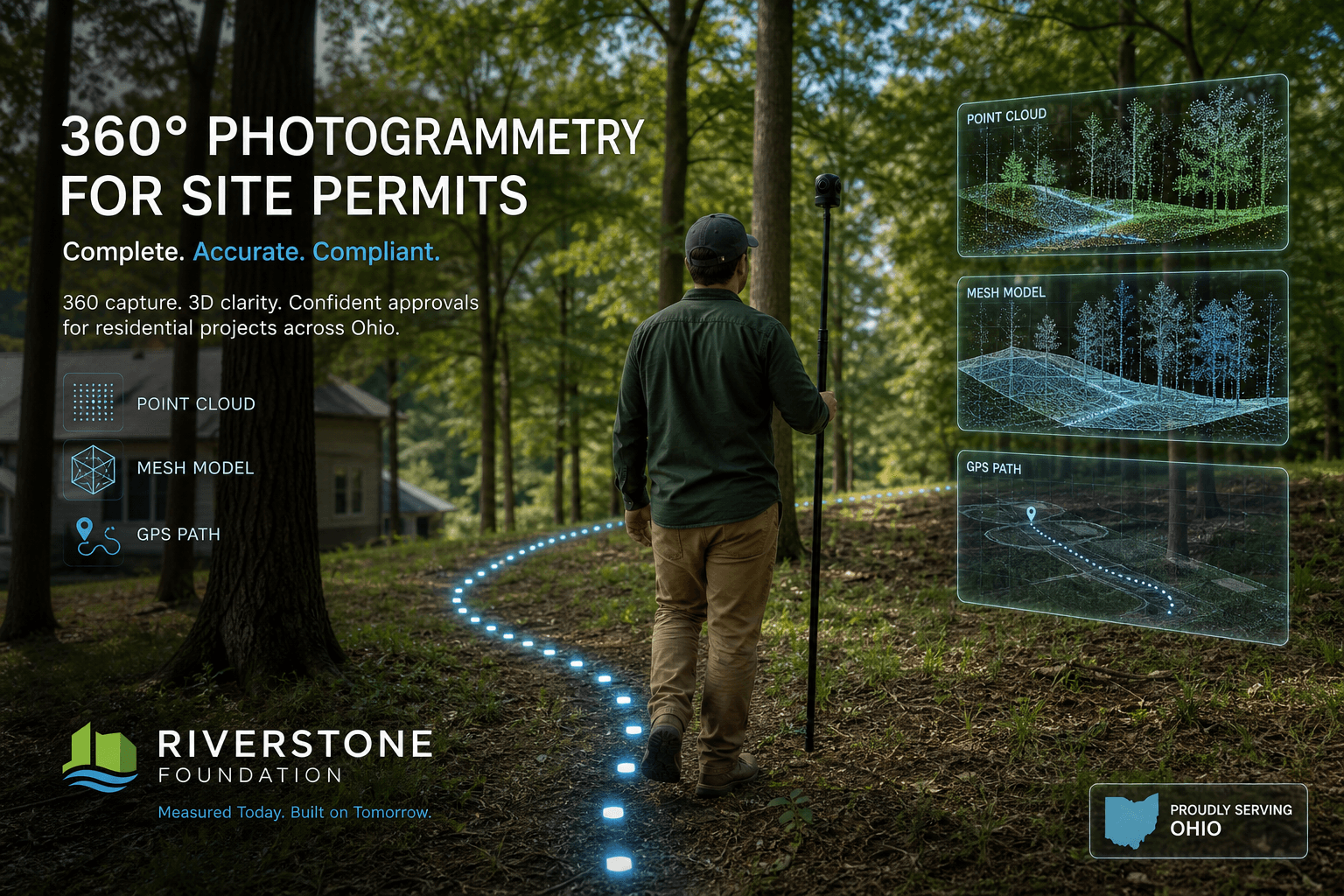
For decades, cities reviewed site plans on flat paper: contour lines, drainage arrows, tree circles, building footprints.
That still works. But there is a newer tool chain that makes the real world easier to show: 360 cameras, walk-through video, and software that rebuilds space in 3D.
Google has done this at street scale for years. The same methods are now small enough for a single lot.
The basic idea
- Walk the site with a 360 camera (on a pole, helmet, or vehicle mount)
- Record video as you move — not just photos at corners
- Upload to photogrammetry software (RealityCapture, Metashape, Polycam, SiteScape, and others)
- The software finds matching points between frames and builds a point cloud and mesh
- You export measurements, contours, orthophotos, and 3D models for planning
You are not guessing the slope. You are measuring what is there.
How this relates to Google Street View
Google's fleet uses panoramic cameras plus GPS/IMU and structure-from-motion pipelines to place imagery in 3D space. You get clickable street-level views because every frame links to neighbors.
On a private lot, you do the same thing at smaller scale:
- Walk the tree line
- Walk the drainage low point
- Walk the proposed channel or grading area
- Capture under the canopy where aerial LiDAR is weak
The output is a site-scale digital twin — not a video tour, but geometry you can measure.
What you can pull out for permit work
Modern pipelines can export:
- Ground surface / DSM for grading discussions
- Slope percentages along a proposed cut
- Distance and height between trees, structures, and easements
- Orthomosaic (top-down photo map) to overlay on surveys
- Before-and-after captures to document compliance
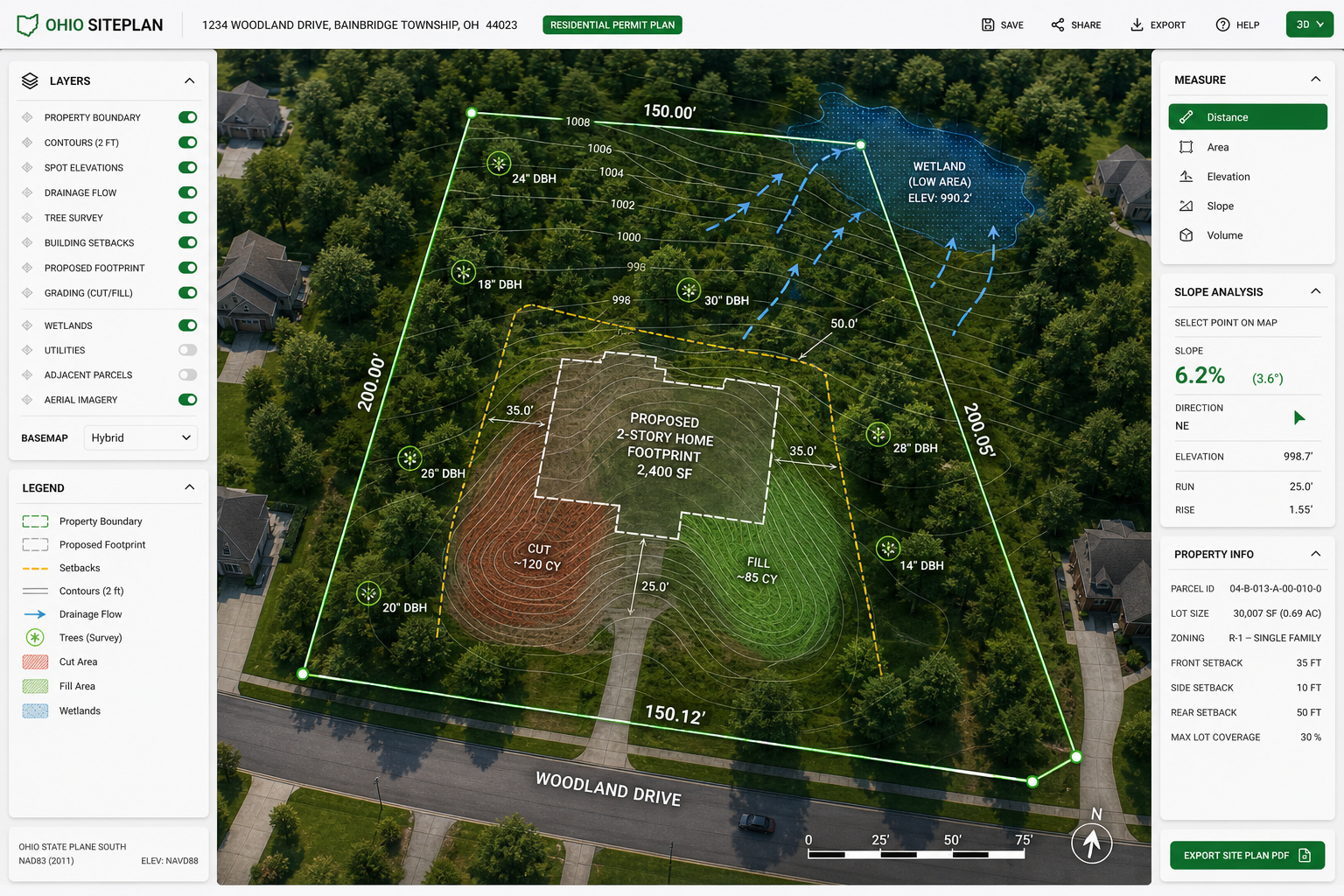
For grading and drainage permits — like the engineering work Strongsville reviews on residential change-of-grade applications — a 3D capture helps show:
- Where water actually flows today
- How proposed grade changes redirect runoff
- Whether protective tree zones match real drip lines on the ground
For building plans, you can show structure placement against a real-world base instead of only CAD linework.
Tree Preservation Plans get better too
Strongsville Chapter 1025 asks for tree locations, dbh, protection during construction, and often a sealed topo survey. A 360-derived model does not replace a licensed survey, but it can:
- Speed the pre-application site walk with the City Forester
- Document tree positions and canopy spread with photos tied to coordinates
- Show protective barrier placement relative to actual drip lines
- Give reviewers a walkable 3D view of the lot before earth moves
Think: paper plan on the left, immersive model on the right. Same lot. Less guesswork.
Practical capture tips (keep it simple)
Gear: A consumer 360 camera (Insta360, GoPro MAX, Ricoh Theta, etc.) on a 6–10 ft pole works for most lots.
Coverage: Walk slow, overlap paths, capture in good light, and mark control points if you need survey-grade alignment (survey nails, painted stakes, known lot corners).
Processing: Expect a learning curve. Small sites (under an acre) are manageable on a laptop. Larger sites may need cloud processing.
Accuracy: Photogrammetry can be centimeter-level with good control points and RTK GPS. Without control, it is still excellent for visual planning and city communication, but not a legal boundary survey.
Privacy: Blur faces and license plates if capturing from a public edge. Keep private-lot data scoped to permit submissions.
How cities may use this going forward
Building departments are used to PDFs. That is changing slowly. A 3D walkthrough link or measurable model can:
- Reduce back-and-forth on grading intent
- Document as-built conditions after construction
- Support deposit refunds on tree protection compliance (Strongsville holds a $500 deposit until final inspection)
You still file official forms. You still need engineer-stamped plans where required. But the evidence layer gets richer.
Where the Foundation is headed
On Foundation parcels — Mill Hollow, Wesley Woods, and future sites — immersive capture fits the workflow:
- Capture the lot before permits
- Overlay tree preservation, grading, and drainage proposals
- Submit flat plans plus a 3D reference reviewers can open
- Re-capture after work to show compliance
That is the modern version of "show your work." Not replacing the permit. Making it clearer.
Tools worth knowing
| Step | Examples |
|---|---|
| 360 capture | Insta360 X4, GoPro MAX, Ricoh Theta |
| Photogrammetry | RealityCapture, Metashape, Polycam |
| GIS overlay | QGIS, ArcGIS Online |
| Sharing | Browser-based 3D viewers, PDF + link in permit packet |
Bottom line
360 video is not just for virtual tours. It is a path to a 3D map.
For site plans, tree preservation, grading, drainage, and building approvals, that means fewer surprises: the city sees the land as it is, you see your plan on real ground, and everyone works from the same picture.
Start small. Walk one lot. Build one model. Bring it to the next pre-application meeting.